

Picture this: you’re midway through a critical investor presentation when the second display goes dark, the audio cuts out, and your team scrambles behind the scenes to restore the feed. The room falls silent, confidence wavers, and your carefully prepared message loses its momentum. This scenario plays out more often than most business owners care to admit, and it almost always traces back to an unreliable video distribution system. In today’s meeting rooms, training centers, and conference halls, delivering content across multiple screens without interruption isn’t a luxury—it’s a baseline expectation. Yet many professionals struggle with sourcing quality HDMI distribution equipment that meets commercial demands, especially when project timelines leave little room for error. Fast shipping becomes just as critical as the hardware itself when a product launch or board meeting is days away. This guide walks you through everything you need to achieve seamless video for your business presentations—from understanding HDMI distribution fundamentals and selecting high-quality splitters to securing reliable delivery on tight schedules. By the end, you’ll have a clear, actionable plan to build a presentation setup that never lets you down.
The Importance of a Robust Video Distribution System for Business Success
A video distribution system serves as the backbone of every professional presentation environment. When your message needs to reach every corner of a boardroom, training facility, or conference venue, the system carrying that signal determines whether your audience stays engaged or mentally checks out. Clear, synchronized content across multiple displays communicates competence and preparation—two qualities that directly influence deal closures, team alignment, and stakeholder confidence.
The consequences of an inadequate setup extend beyond momentary embarrassment. Signal loss mid-presentation forces speakers to improvise, fracturing their narrative flow. Visible lag between displays creates a disjointed viewing experience that undermines data-heavy slides and video content alike. Flickering outputs or resolution drops signal to clients and investors that your organization cuts corners on infrastructure, raising uncomfortable questions about operational rigor elsewhere.
Seamless video—where every connected screen mirrors or extends content without perceptible delay or degradation—eliminates these risks entirely. For business owners who rely on presentations to drive revenue, train employees, or secure funding, investing in a dependable video distribution system isn’t a technical decision; it’s a strategic one. The right system ensures your ideas land with full impact every single time.
Core Elements of HDMI Distribution for Effective Presentations
What is HDMI Distribution and How Does It Work?
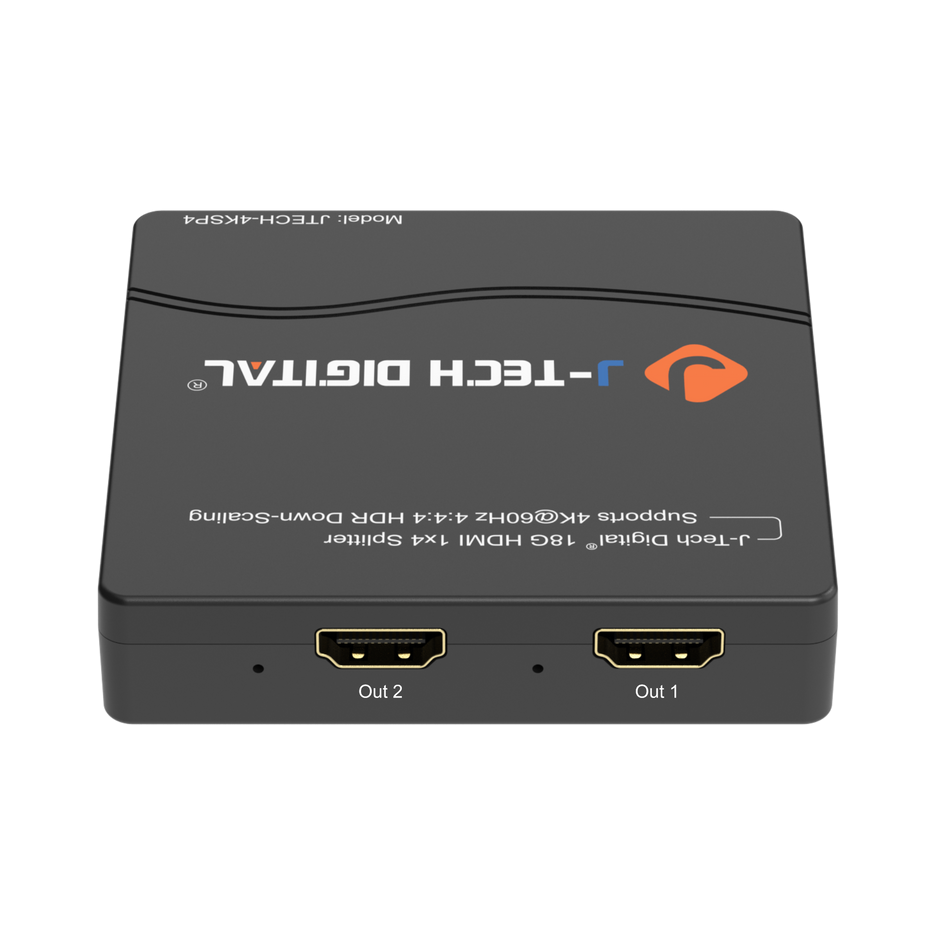
HDMI distribution is the process of taking a single video and audio signal from a source device—such as a laptop, media player, or conference system—and delivering it simultaneously to multiple displays. Think of it like a water main splitting into several pipes: one source feeds many endpoints without diminishing pressure at any single outlet. The technology relies on HDMI splitters, which replicate the digital signal while preserving its original resolution, color depth, and audio format. These devices handle the HDCP handshake (the copy-protection protocol embedded in HDMI) so that each connected screen receives an authorized, full-quality feed. For business owners, this means a single presentation source can drive monitors in a boardroom, an overflow room, and a lobby display without requiring separate playback devices or manual switching. The signal remains synchronized across all outputs, ensuring that every viewer—whether seated at the main table or watching remotely on a secondary screen—experiences identical content at the same moment.
Key Benefits of Using HDMI Splitters in Business Environments
HDMI splitters deliver measurable advantages that align directly with how small and mid-size businesses operate. First, they reduce hardware costs significantly: instead of purchasing duplicate media players or laptops for each display zone, a single source paired with a quality splitter covers the entire space. Second, scalability becomes straightforward—adding another screen to your training room or event venue requires only an additional output port or a cascaded splitter, not an infrastructure overhaul. Third, audience engagement improves when every seat in the house has a clear sightline to a properly driven display, eliminating the neck-craning and squinting that plague rooms with a single, distant screen. For data-intensive presentations involving financial dashboards or product demos, consistent resolution across all monitors ensures that fine details remain legible regardless of viewing position. Finally, simplified operation means non-technical staff can manage the system confidently, reducing dependence on IT support during high-stakes moments and keeping the focus where it belongs—on your message.
Choosing High-Quality HDMI Splitters for Commercial Environments
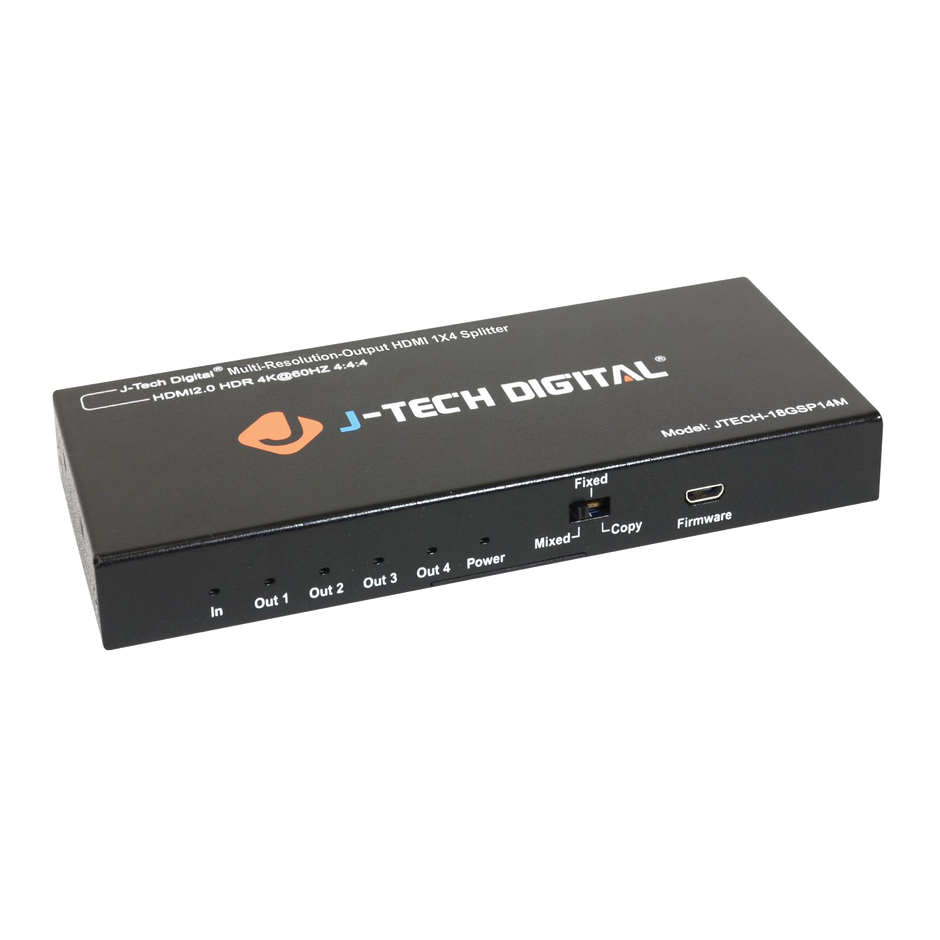
Selecting the right HDMI splitter for commercial use requires more than picking the first option that appears in a search result. Business environments demand equipment that performs consistently under extended operation, handles high-resolution content without degradation, and integrates smoothly with existing AV infrastructure. The wrong choice leads to compatibility headaches, premature failures, and the very presentation disruptions you’re trying to eliminate. When evaluating splitters for professional deployment, three criteria matter most: resolution support that matches or exceeds your current and near-future display capabilities, robust build quality that withstands daily use in shared spaces, and straightforward operation that doesn’t require a technician on standby. J-Tech Digital Inc has established itself as a go-to brand for business owners who need commercial-grade HDMI distribution without enterprise-level complexity or pricing.
Why J-Tech Digital Inc Products Stand Out for Business Use
J-Tech Digital Inc has built its reputation on delivering splitters that perform reliably in exactly the environments where failure is most costly—live presentations, client-facing demos, and multi-room training sessions. Their products consistently earn strong performance reviews from integrators and end users alike, with particular praise for signal stability over extended operating periods. The company backs its hardware with responsive customer support and warranty coverage that gives business owners confidence in their investment. Unlike consumer-grade alternatives that may work intermittently or degrade signal quality when driving multiple displays simultaneously, J-Tech Digital Inc designs for the sustained, repeatable performance that commercial applications demand. For business owners who lack dedicated AV staff, this reliability translates directly into peace of mind—the system works when you need it, without requiring constant troubleshooting or intervention.
Essential Features to Look for in HDMI Splitters
When matching an HDMI splitter to your presentation requirements, prioritize these specifications. Resolution support should accommodate 4K output at minimum, even if your current displays are 1080p—this future-proofs your investment as you upgrade monitors. HDCP compliance is non-negotiable; without it, protected content from streaming services or certain corporate platforms will display as a blank screen. Port count should match your current display needs plus at least one spare for expansion. Beyond specifications, evaluate practical factors: does the unit support EDID management to prevent handshake failures between mismatched displays? Is the enclosure metal rather than plastic, indicating better heat dissipation during long presentations? Can it be rack-mounted or secured to furniture to prevent accidental disconnection? Business owners should map their specific room layout—number of screens, cable run distances, and source device types—against these features before purchasing. This targeted approach prevents overspending on unnecessary capabilities while ensuring the splitter handles your actual workflow without compromise.
Ensuring Fast and Reliable Shipping for Urgent Business Projects
Even the best HDMI distribution equipment is worthless if it arrives the day after your presentation. Business owners frequently face scenarios where a new client meeting, product launch, or training session materializes on short notice, and the necessary AV hardware isn’t yet on-site. In these moments, fast shipping transforms from a convenience into a project-critical requirement. The challenge is that not all suppliers treat urgency equally—some list items as “in stock” while actually drop-shipping from overseas warehouses, adding days or weeks to delivery. Others offer expedited options but bury surcharges or exclude certain product categories. Understanding how to navigate these variables before the pressure hits gives you a decisive advantage when timelines compress unexpectedly.
Strategies to Guarantee Fast Shipping on Video Equipment
Start by identifying suppliers who warehouse inventory domestically rather than relying on third-party fulfillment from distant locations. Check whether the vendor’s product pages display real-time stock availability and estimated delivery dates specific to your zip code. When placing orders, select expedited shipping at checkout and confirm the carrier and tracking method before completing payment. Building a relationship with a preferred distributor pays dividends—established accounts often receive priority processing. Consider maintaining a small inventory of essential components like spare HDMI cables and a backup splitter so that urgent orders become the exception rather than the rule. Finally, order early in the business day; many warehouses have afternoon cutoff times for same-day dispatch, and missing that window by an hour can push delivery back a full day.
Balancing Cost, Speed, and Quality in Shipping Decisions
Expedited shipping costs more, but weigh that expense against the cost of a failed presentation—lost deals, rescheduling fees, and reputational damage far exceed overnight freight charges. Compare total landed cost across suppliers rather than unit price alone; a slightly more expensive vendor with free two-day shipping may undercut a cheaper listing that charges heavily for express delivery. Use shipping calculators and comparison tools available on major marketplace platforms to see real rates before committing. For recurring needs, negotiate volume-based shipping agreements or subscribe to business membership programs that include expedited delivery as a standard benefit. The goal is a procurement workflow where speed, cost, and product quality align so that urgent projects never force you into compromising on any single factor.
Step-by-Step Guide to Implementing Your Video Distribution System
Step 1: Assess Your Presentation Needs and Environment
Before purchasing any equipment, walk through every space where you deliver presentations and document what you find. How many displays does each room require? What’s the maximum cable run distance from your source device to the farthest screen? Are you primarily showing slides and spreadsheets at 1080p, or do your product demos and video content demand 4K clarity? Consider whether you need identical content on every display or whether some screens will show extended desktops with different information. Note the physical constraints—ceiling-mounted projectors, wall-mounted monitors, portable screens for event spaces—because these dictate cable routing and splitter placement. Ask yourself how often non-technical staff will operate the system, since this determines how simple the setup needs to be. This assessment becomes your purchasing blueprint, preventing both under-specifying and overspending.
Step 2: Select and Source the Right Equipment
With your requirements documented, match them against available HDMI splitters from proven commercial brands. If your assessment calls for four displays with 4K support and cable runs under fifteen feet, a straightforward 1×4 splitter handles the job cleanly. Longer distances may require active splitters or HDMI-over-Cat6 extenders paired with your distribution unit. Once you’ve identified the correct model, source it from a supplier with verified domestic inventory and transparent shipping timelines. Place your order with enough lead time to account for delivery and a brief testing window before your event—but if timelines are already tight, select expedited shipping immediately and confirm dispatch before close of business. Ordering cables, mounts, and any rack accessories in the same shipment prevents the common frustration of having the splitter arrive while a critical cable is still in transit.
Step 3: Setup, Configuration, and Testing for Seamless Operation
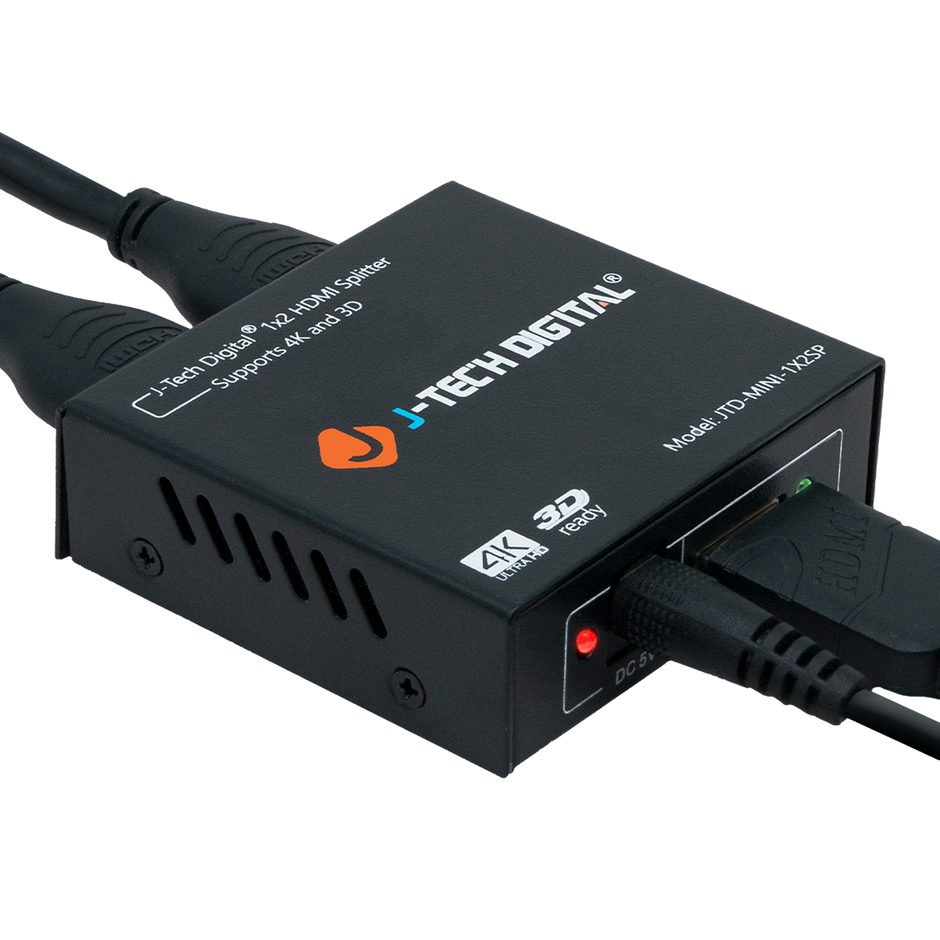
Install the splitter in a ventilated location near your source device, keeping cable runs as short as practical to maintain signal integrity. Connect your source first, then attach displays one at a time, verifying that each screen shows a stable image before adding the next. If any display fails to show content, check EDID settings on the splitter—most quality units allow you to lock EDID to a specific resolution, which resolves handshake conflicts between mismatched monitors. Route cables through conduit or cable trays to prevent accidental disconnection during meetings. Once all displays are active, run your actual presentation content end-to-end: advance every slide, play embedded videos, and switch between applications exactly as you would during the live event. Confirm that audio passes correctly to your sound system if applicable. Document the working configuration so that anyone on your team can replicate the setup without guesswork, and store a backup splitter on-site for immediate swap-out if the unexpected occurs.
Building a Presentation Infrastructure You Can Rely On
A reliable video distribution system is the foundation of every successful business presentation—whether you’re pitching investors, onboarding new hires, or launching a product to your sales team. The path to seamless video starts with understanding how HDMI distribution works and why commercial-grade splitters outperform consumer alternatives in demanding environments. Trusted manufacturers like J-Tech Digital Inc remove the guesswork by delivering proven performance, robust build quality, and the kind of signal stability that lets you focus entirely on your message rather than your equipment. Equally important is your procurement strategy: securing fast shipping from suppliers with verified domestic inventory ensures that tight deadlines never force you into compromising on quality or scrambling for last-minute substitutes. Together, these elements—the right equipment, a trusted brand, and a dependable supply chain—create a presentation infrastructure you can rely on every single time. Take the steps outlined in this guide and apply them to your next project. Audit your current rooms, identify gaps, source the appropriate splitters, and build in the testing time that separates polished professionals from those hoping things work out. Your audience deserves a flawless experience, and now you have the roadmap to deliver one.