
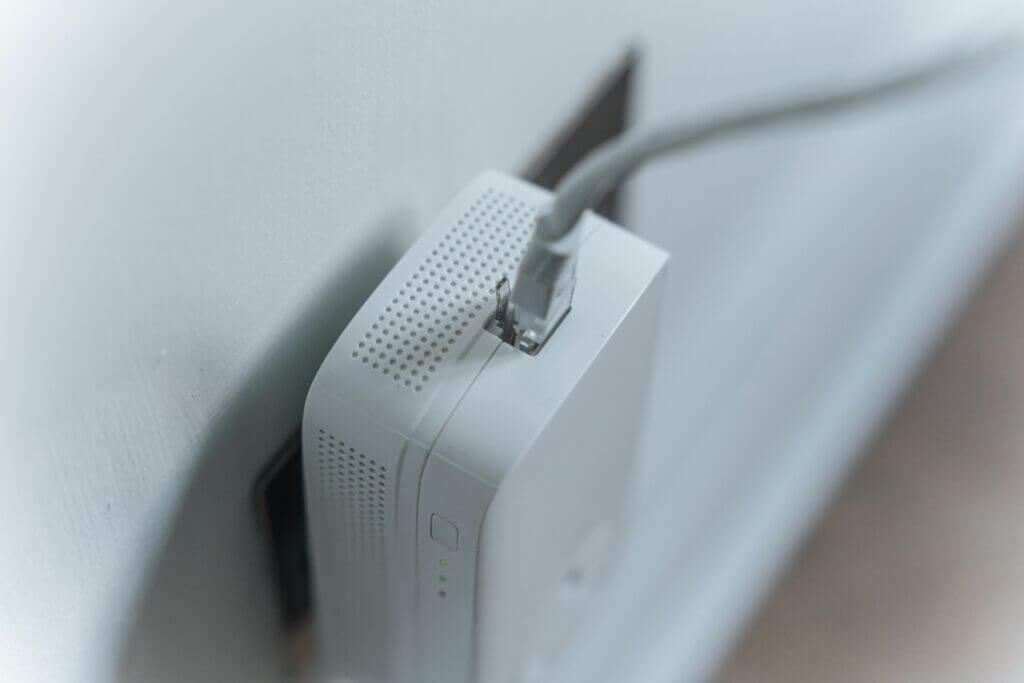
Wireless internet can be a major boon. It’ll allow you to enjoy a rock-solid connection from any device in the home, without the need for a cumbersome Ethernet cable.
But with this convenience comes a degree of risk. Your home router isn’t able to discriminate between devices within the home and those just outside it – which means that, if a person standing on the street has the right password, they might easily access your network and cause problems for you. In many cases, in fact, it isn’t necessary to be physically close to the network you’re looking to compromise.
In other words, it’s worth not just setting up protections to prevent unfamiliar devices from connecting, but keeping track of the devices that actually are on your network.
Why Monitoring Connected Devices Matters
When a device connects to your network, it can inflict damage in a variety of ways. It might be used to harvest personal data, or to install malware that will later be used to inflict damage.
Tools for Monitoring Your Home Network
The good news is that there are a number of commands and applications that can be used to monitor your network. Some of them, like Glasswire, offer an overview of all of the network’s endpoints in a simple, easy-to-follow dashboard – in exchange for a monthly subscription fee. Other scanners, like Fing, will present a list of devices, complete with IP addresses and connected devices.
Of course, there are ways of staying safe even if the network appears compromised. A free vpn for iPhone might provide a simple way to connect using an encrypted tunnel.
Identifying Security Risks and Performance Issues
Sometimes, the suspicious devices are easy to spot. In other cases, they can go unnoticed. If the device in question is continuously uploading and downloading, then you might see a lot of traffic, and a reduction in your available bandwidth.
If you’re looking for malware indicators, then the best approach is often to install a good antivirus program and set it to scan periodically.
Best Practices for Safe and Efficient Wi-Fi Management
So, what’s the best way to prevent malicious connections in the first place? Inarguably, it’s important to change your network’s password frequently. Don’t stick with the password that the router shipped with, as this might be known by people connected to your internet provider.
It’s also essential that your router’s firmware is frequently updated, so that potential vulnerabilities can be spotted and addressed before they can cause trouble.