A wide margin is the likely result when this dinosaur file meets a home printer, because the page is already smaller than both Letter and A4, and the practical route through dinosaur coloring pages starts by reading that page box before anyone changes a scale setting.
I opened three PDFs from the grid: the cute T-Rex, the smiling volcano, and the fossil explorer. All three are one page, and all three use the same media box, 569.52 by 737.28 points, which is 7.91 by 10.24 inches. Funboxie tells households to start on US Letter and to use fit-to-page for A4. The files show why both instructions can be true at once. I did not run them through a printer. The numbers below are the page box, not a lab print.
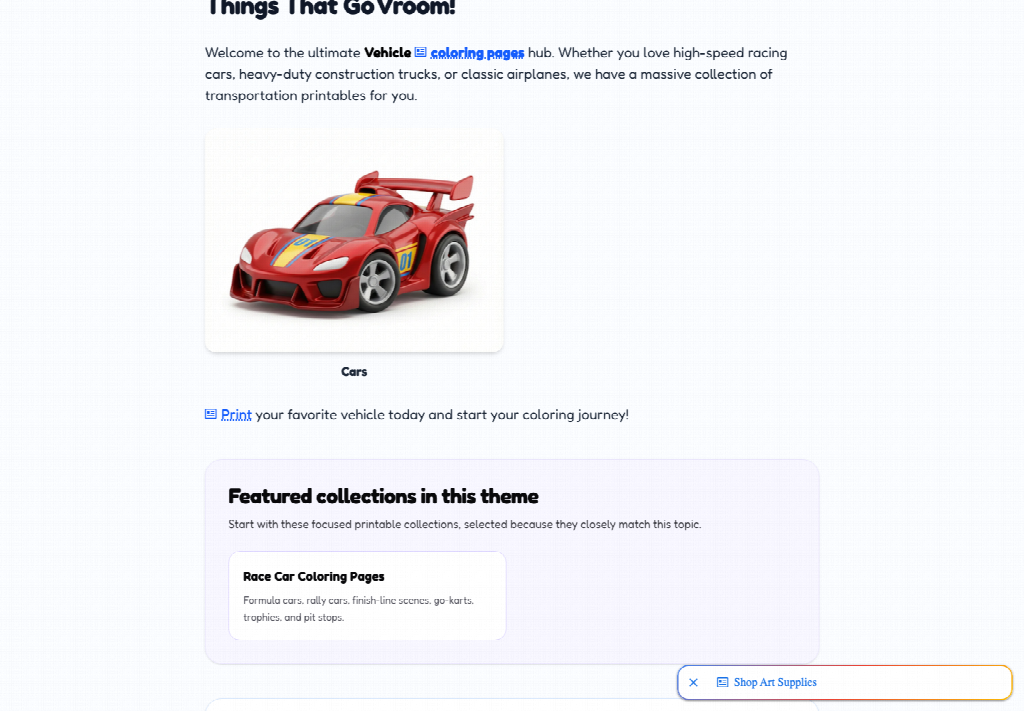
How To Open The Sheet From The Card
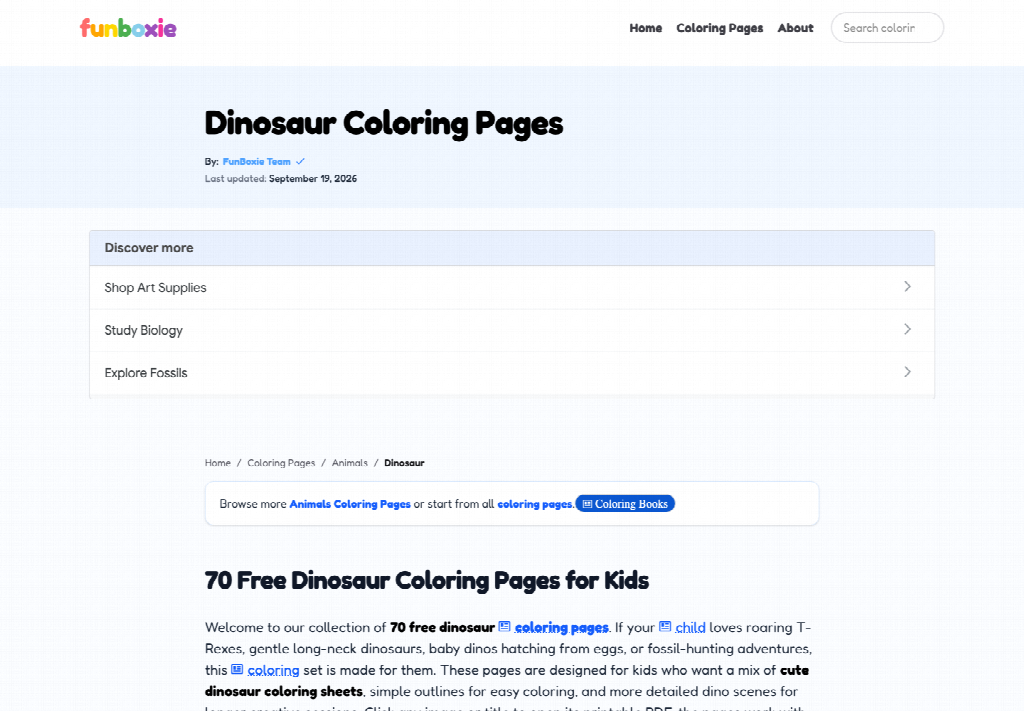
Click the picture or its title. The card opens a PDF directly. There is no account, no second product page, and no checkout. The about page says the same thing in plainer words: browse and download without signing up. On this grid I counted 70 unique PDFs, which matches the “70” in the page heading. You are choosing one file out of that set, not downloading a packet.
A search box sits in the header, but you do not need it if you are already on the dinosaur collection. Pick the card, let the PDF open, and confirm the viewer says one page before you print. If a browser saves the file instead of showing it, open the download and check the page count there. A one-page file that prints as two pages is a driver preview problem, not a second sheet hiding in the download.
Read The Page Box Before You Print
The three files I opened agree with each other, so the drawing can change without the paper geometry changing. That is the useful check. You can like a different dinosaur and keep the same print settings.
|
File opened |
Page box |
Image inside |
|---|---|---|
|
Cute T-Rex |
7.91 by 10.24 in |
791 by 1024 pixels |
|
Smiling volcano |
7.91 by 10.24 in |
791 by 1024 pixels |
|
Fossil explorer |
7.91 by 10.24 in |
791 by 1024 pixels |
Same box, same pixel size, three different drawings. Set the driver once. Do not rebuild the setup because the next card looks busier.
Letter Proportion At About 93 Percent
Divide the page box by a Letter sheet, 8.5 by 11 inches. Both the width and the height come out near 93 percent. At actual size the file sits inside Letter with roughly three tenths of an inch to spare on the width and a bit more on the height. A4 is about 8.27 by 11.69 inches, so actual size fits there too, with a taller leftover. Actual size does not fill either sheet. It preserves the margin the file already built in. The embedded image is about 100 pixels per inch at that size, which is modest, and the lines are bold enough that a small enlargement still reads as a coloring page.
Set Fit To Page On A4 Paper
Fit-to-page is how you make the drawing larger. It is the setting the site names for A4, and it also applies if you want the Letter print closer to the edge of the paper. On Letter the enlargement is only about 7 percent, because the file is already most of the sheet. On A4 the paper is narrower and taller than Letter, so fit scales to the width and leaves space above and below. The free dinosaur coloring pages do not need a custom percentage typed by hand.
The wrong scale is the one stacked by accident: shrink-to-fit on a file that is already smaller than the paper, or a borderless crop that eats the thin frame around the drawing. If the preview shows a tiny animal in a huge field, you shrank it. If the preview cuts the frame, you cropped it. Go back to actual size, look again, then turn on fit only if you want the animal bigger.
Use the preview as the only proof you need before the first sheet. On Letter at actual size you should see a slim border of unused paper, on the order of a third of an inch at the sides. On A4 at actual size the leftover is taller than it is wide. If the preview instead shows the frame touching the edge all the way around, fit is already on. That can be what you want. It should be a choice you notice, because the same choice will apply to every other card you print from this grid. The page box does not vary, so a surprise on card one is a surprise on card twenty.
Match Paper Weight To The Marker
The dinosaur page tells you to print on regular white paper for crayons and colored pencils. That matches sheets that are mostly open shapes. A standard sheet is enough when the color stays on the surface.
Thicker Stock When Markers Will Bleed
Use a slightly thicker paper if the child wants markers. Adjacent closed shapes, including spots, teeth, or the separate puffs of smoke on a scene page, will bleed on thin copy paper and turn into one muddy region. The time you lose is a second print, not a debate about the animal. Decide the tool before the click, because the PDF will not ask you.
Print Two To Four Sheets Per Table
The homepage suggests 2 to 4 pages for a classroom center, an early finisher, or a take-home packet. That cap is the useful number at home as well. Seventy files on one theme is a menu, not a print job. Choose a few, print them, and stop. Printing the scroll because it is free is how a quiet activity becomes a stack nobody finishes.
Funboxie is built so the path from the theme to the PDF is one or two clicks. Honor that path. One click to open, one command to print, then put the driver dialog away. Extra copies for a second child are reasonable. A speculative pile of ten is how the margin problem multiplies, because every copy inherits the same scale mistake.
Leave The Corner Mark On The Page
Each of the three files shows a small site name in the top-left, inside the thin border. Leave it. It is part of the page, and it is the easiest way to see that you have not cropped the frame. If the name is missing in the preview, the scale or the margins are cutting into the art. Fix the preview before you spend the sheet.
Do not cover the mark with a header the driver adds. A date stamp or a filename in the margin can collide with that corner when fit-to-page pushes the border outward. Turn off extra headers for this print. The page already identifies itself.
Print Once And Then Stop Tweaking
Use actual size when you want the margin the file already has. Skip fit-to-page unless the drawing should be larger on A4 or closer to the edge of Letter. Either choice is stable across the grid, because the page box does not change from card to card.
Open one PDF, read the single page, print two to four copies at most, and leave the rest of the 70 for another day. Funboxie already did the sorting into a theme. The remaining job is the driver, and it is a short one when you believe the page box.